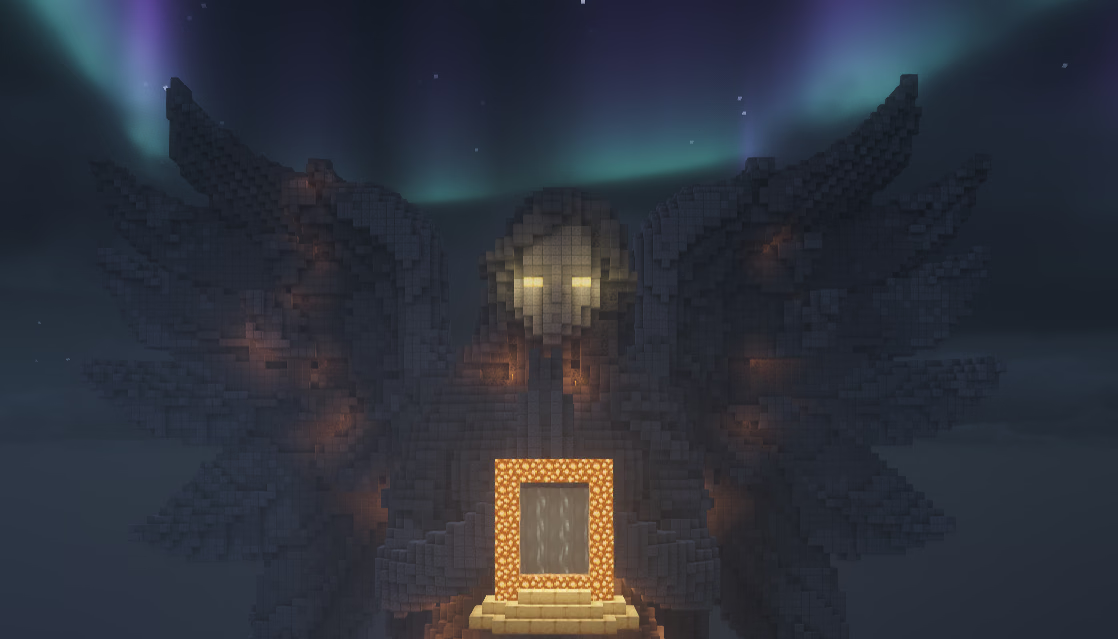
Dimensions is a Minecraft server plugin that lets you create fully customized portals — built from any block material — that teleport players between worlds or even across BungeeCord/Velocity networks. Design your portals visually with the online Portal Creator, then drop the generated config file into your server to go live instantly.

Installation

Install the Dimensions plugin on your server and get up and running in minutes.

Creating a Portal

Build your first custom portal using the Portal Creator web tool.

Configuration

Tune plugin-wide settings, portal options, and world height limits.

Addons

Extend your portals with free and premium addons — particles, economy charges, BungeeCord support, and more.

How Dimensions Works

Dimensions recreates the familiar nether portal experience using any block you choose. You build a portal frame, right-click with the configured lighter item to ignite it, and players can step through to travel to a destination world. An exit portal is automatically built at the destination so players can return.
1

Install the plugin

Drop Dimensions.jar into your server’s plugins/ folder and restart.
2

Design your portal

Visit the Portal Creator to choose frame blocks, portal appearance, particle colors, and destination world. Download the generated .yml config.
3

Add the portal config

Place the downloaded .yml file in ./plugins/Dimensions/Portals/ and restart your server.
4

Build and light it in-game

Gather the required frame blocks, build the portal shape, and right-click with the lighter item to activate it. Your portal is now live!

Explore the Docs

Portal Creator

Use the visual web editor to design portals without writing any YAML.

Free Addons

WorldGuard flags, horizontal portals, ForceLink, and more — all free.

Premium Addons

Cross-server BungeeCord portals, particles, economy charges, and 15+ more addons.

Plugin Config

Search radius, portal effects, entity teleportation, and debug levels.

Commands

Full list of /dim commands and their permission nodes.

Developer API

Build your own Dimensions addon using the Java API.